Lost My Chicken
ArcadeAbout This Game
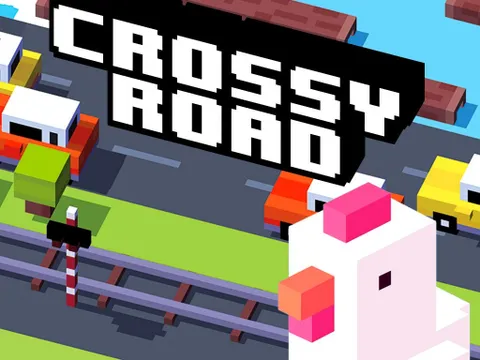
Lost My Chicken is a delightful and addictive hypercasual arcade game that challenges players to guide a plucky chicken through a never-ending series of obstacles. Your mission is simple: help the adorable feathered protagonist navigate treacherous roads, rivers, and fields, dodging dangers and striving to get as far as possible. This game offers a fresh take on the classic endless runner genre, focusing on quick reflexes and strategic movement to ensure your chicken's survival. Perfect for quick gaming sessions, Lost My Chicken promises instant fun and an engaging challenge for players of all ages. Playing Lost My Chicken is incredibly intuitive and easy to pick up, making it accessible for everyone. The controls are designed for simplicity, whether you're playing on a desktop or mobile device. On mobile, simply tap or swipe in the direction you want your chicken to move – forward, left, or right – to cross lanes and avoid upcoming hazards. For desktop players, utilize the arrow keys or WASD to guide your chicken across the bustling environment. The core objective is to keep moving forward without colliding with cars, falling into water, or getting caught by other environmental dangers. Collect any power-ups or coins you encounter along the way to enhance your score and unlock new content. Lost My Chicken boasts several engaging features that contribute to its endless appeal. Experience truly endless fun gameplay, where each run presents a unique challenge, ensuring high replayability as you constantly strive to beat your personal best score. The game also features good graphics, with charming, vibrant visuals and smooth animations that bring the world and its characters to life. Enjoy simple, intuitive controls that make it easy for anyone to jump in and play immediately. Furthermore, Lost My Chicken offers an addictive challenge, rewarding skill and perseverance, making it a perfect casual game for unwinding or a quick burst of entertainment.
More to play: Arcade games · Crossy Road Master
How to Play
- 1. Start the game by clicking 'Play'.
- 2. On mobile, tap or swipe in the direction you want your chicken to move (forward, left, right).
- 3. On desktop, use the arrow keys or WASD to guide your chicken.
- 4. Avoid all obstacles such as cars, water, and other environmental hazards.
- 5. Collect coins or power-ups to boost your score.
- 6. Go as far as you can to achieve the highest possible score!